Consent

This site uses third party services that need your consent. Learn more

Skip to content
Product

MailRisk

Instantly helpful feedback and reporting for suspicious emails

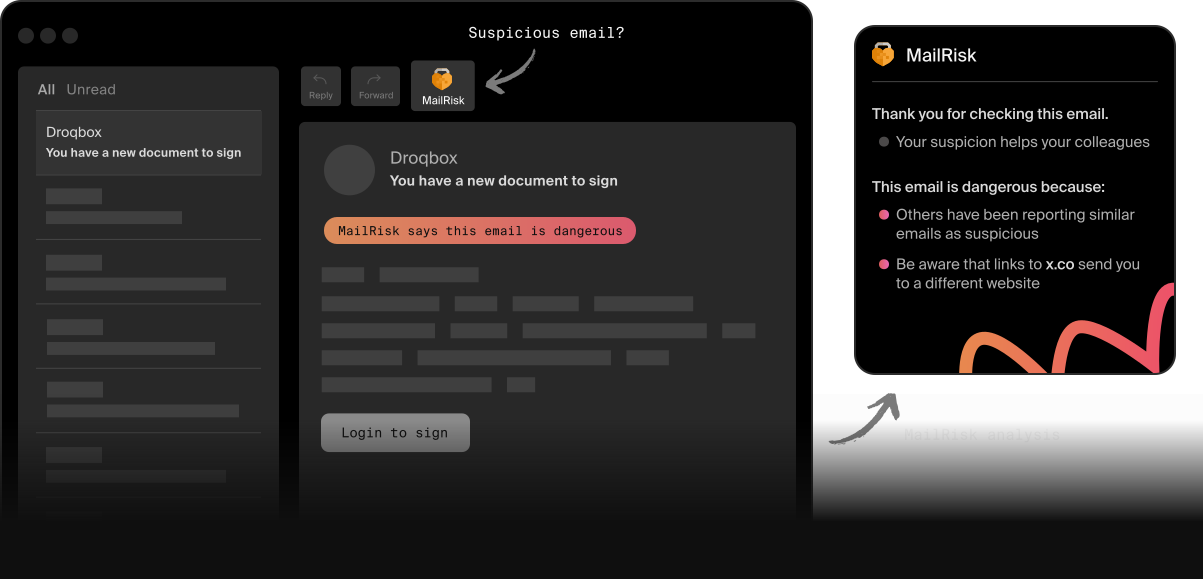
Illustration showing a suspicious email and a MailRisk prompt. Illustration showing a suspicious email and a MailRisk prompt.

Give everyone a chance to practice cybersecurity

With just one click, anyone on your team can contribute to making your organization more resilient against cyberattacks.

MailRisk automatically analyzes phishing, spam, and scam emails, and gives your colleagues feedback on their action - on the spot. 

The handy button is always available in their inbox, making security a visible, actionable, and rewarding part of their daily routine.  

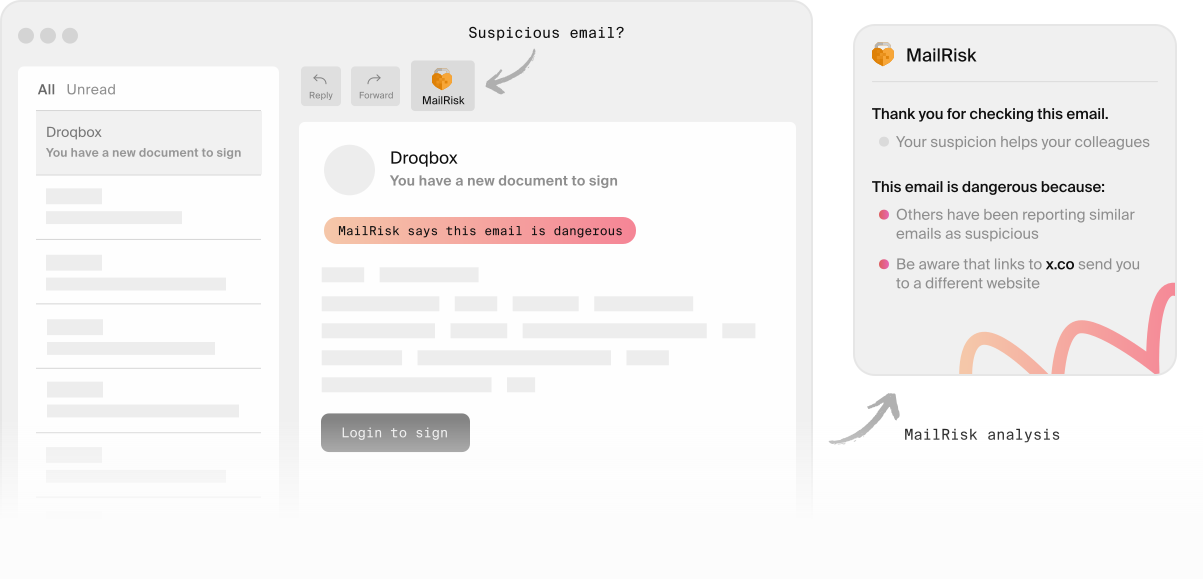
Illustration showing the location of the MailRisk icon in an email app.

How MailRisk works

Email remains one of the top tactics cybercriminals use to hijack people’s attention and trick potential victims into acting against their better judgement. 

Making it easy, comfortable, and rewarding to flag risky emails is an incredibly effective way to stimulate contribution - and make cybersecurity a positive experience for everyone.

Automated analysis for email-focused social engineering attacks

The MailRisk button sits in the toolbar of your email application, whether you’re using the desktop app, webmail, or the mobile application.

Every time someone checks an email, we automatically search for similar emails your colleagues flagged as suspicious and also check it against other sources of data. 

When we find a match, you get immediate confirmation of how your action contributed to the organization’s safety - and your own!

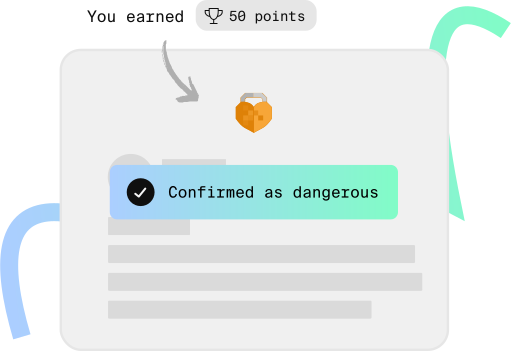
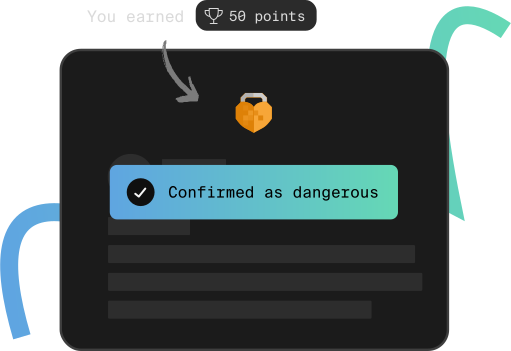
Illustration showing how users are instantly rewarded with points for reporting an email in-app.

Individual reports that boost team-wide protection

MailRisk identifies if a phishing campaign targets multiple people in your company through their reports. And when you integrate this threat data into spam filters, it helps block these dangerous emails from reaching anyone else on the team.

People can also add context to their reports, making it easier for IT and security teams to make informed decisions with no extra effort.

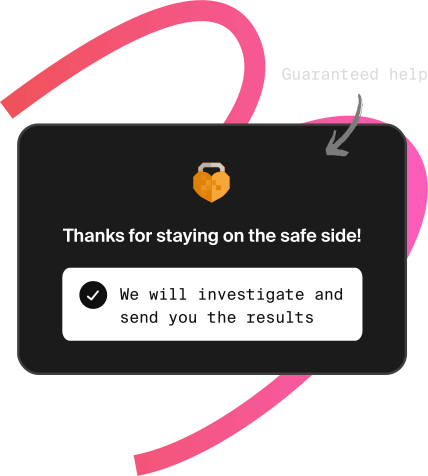
Illustration of a user receiving a message to say their email report will be investigating – an example of how users receive feedback.

Richer, higher-quality email threat data for your security program

Instant feedback engages people to flag suspicious emails more often, boosting reporting rates by as much as 50 times. 

We use real-time machine learning for correlation and classification to analyze this data in our EU-based, privacy-first cloud platform which exceeds GDPR standards. 

This automatically gives IT and security teams a goldmine of crowdsourced threat data they can use to find entry points that attackers leverage. 

What you can achieve with MailRisk

People found MailRisk instantly useful, and reporting rates went up. MailRisk lowers the threshold for getting help, but instead of creating more work for us, we are now almost completely rid of manual submissions to our helpdesk.
Mari Nygaard Simonsen Head of Threat and Vulnerability Management at Intility

Start with the smallest action everyone can take

When using MailRisk to check an email, your colleagues get the help they need while also helping others. This instant reward ensures they always have a positive experience with cybersecurity.  

These familiar tools and simple actions earn people’s trust, involvement, and develop their confidence around making good security decisions.

Manage risk with the entire Secure Practice toolkit

MailRisk data becomes even more valuable when combined with simulated phishing or added into your threat hunting program.

Anonymous behavioral data from all these activities - and more - turn into human risk metrics which define risk areas you can address through targeted micro-courses.

Plus, this anonymized data is your secret sidekick for seamless compliance and certification processes.

MailRisk FAQ

Does MailRisk work with emails in multiple languages?

Yes! 

You can get MailRisk in the language you prefer to make it as easy and familiar for everyone in your organization to use it. 

The rest of the Secure Practice platform is available in English and Norwegian, but you can customize and translate all resources and exercises you deliver to your team into their native language.

Can I use MailRisk on mobile?

If your organization uses the Office 365 email client, they can use the MailRisk button from the dedicated iOS or Google Play app. 

For organizations that use the on-premise Exchange email client, we offer a workaround to the restrictions from Microsoft: using the Outlook Web Access (OWA) client in the web browser. 

Here is the full guide on how to use MailRisk on mobile devices.

Blir e-postdataene mine sendt noe sted under MailRisk-analysene?

Ja.  

Dette er nødvendig for å kunne utføre en grundig nok analyse for å holde tritt med de siste cybertruslene. Når du trykker på MailRisk-knappen, blir e-posten du ønsker å analysere samlet inn av Secure Practice.  

Vi gjør dette basert på en skriftlig avtale med arbeidsgiveren din, som beskriver i detalj hvordan vi har lov til å behandle disse dataene.

Hvem kan se e-postene jeg rapporterer gjennom MailRisk?

MailRisk skal fungere så automatisk som mulig. Likevel krever visse mistenkelige e-poster manuell analyse, hvor en autorisert sikkerhetsekspert spesifikt vil åpne e-posten din for en manuell gjennomgang.  

I tillegg, hvis den rapporterte e-posten inneholder en spesiell trussel, kan den bli gjennomgått av ansatte som jobber med å bygge de beste beskyttelsene for fremtiden.  

Hvis e-posten din ikke inneholder noen trussel, vil innholdet være skjult for alle ansatte med mindre de gjør en spesifikk forespørsel om å åpne innholdet. Ved slike tilfeller loggføres disse forespørslene for ansvarlighet. 

Kan jeg angre innsending av e-postdata?

Alle kan ombestemme seg, og vi sørger for at dette er enkelt å gjøre i MailRisk.  

Åpne MailRisk, og klikk på menyknappen øverst i høyre hjørne. Her finner du en liste over e-poster du har analysert.  

Klikk på e-posten du ønsker å trekke tilbake data for, og klikk «Withdraw report» for å slette dataene.

Hvor lenge lagrer dere e-postdataene mine?

For det første samler vi kun inn e-postdata fra e-poster som du spesifikt velger å analysere.  

Hvis vi ikke finner noen spesiell trussel, vil e-postinnholdet automatisk bli slettet etter et antall dager, som bestemmes og konfigureres av arbeidsgiveren din. 

Can MailRisk block emails from people’s inboxes?

MailRisk is not a spam filter, but a supplement to this type of security technology and a source of data for it. 

Security teams can choose to use MailRisk data in a way that suits their needs, including through the API we provide.